SIGNALATOR
Free Android notification inbox

One clean, personalised app for all your Android notifications.

Notify Inbox Manager is a free Android app that collects notifications from chats, SMS, email, shopping, finance, reminders, system alerts, and other apps into one fast, searchable inbox. Style busy notifications your way, reply where Android allows, reduce noise, and keep recent notification history without opening every app one by one.

Free core app Highly customisable Fast daily view No account by default
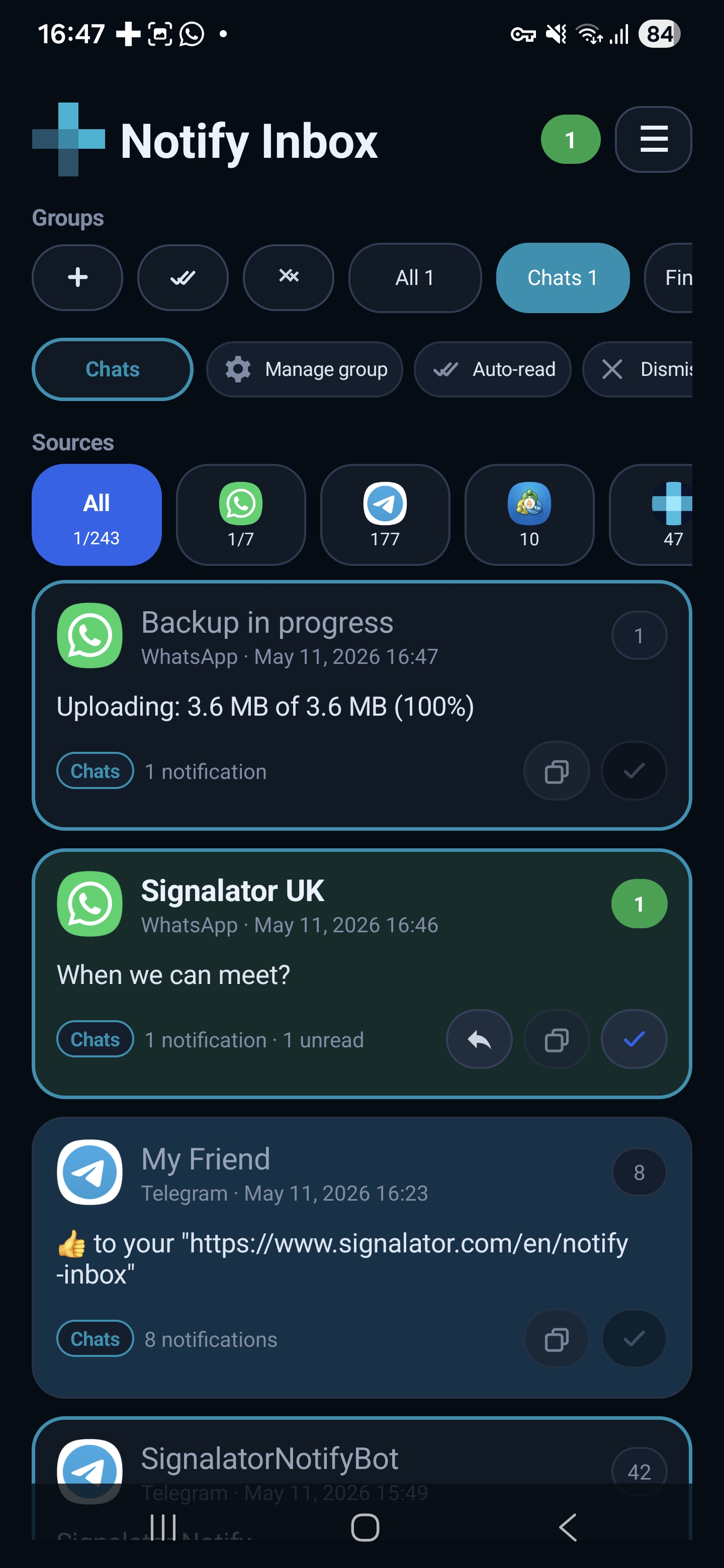
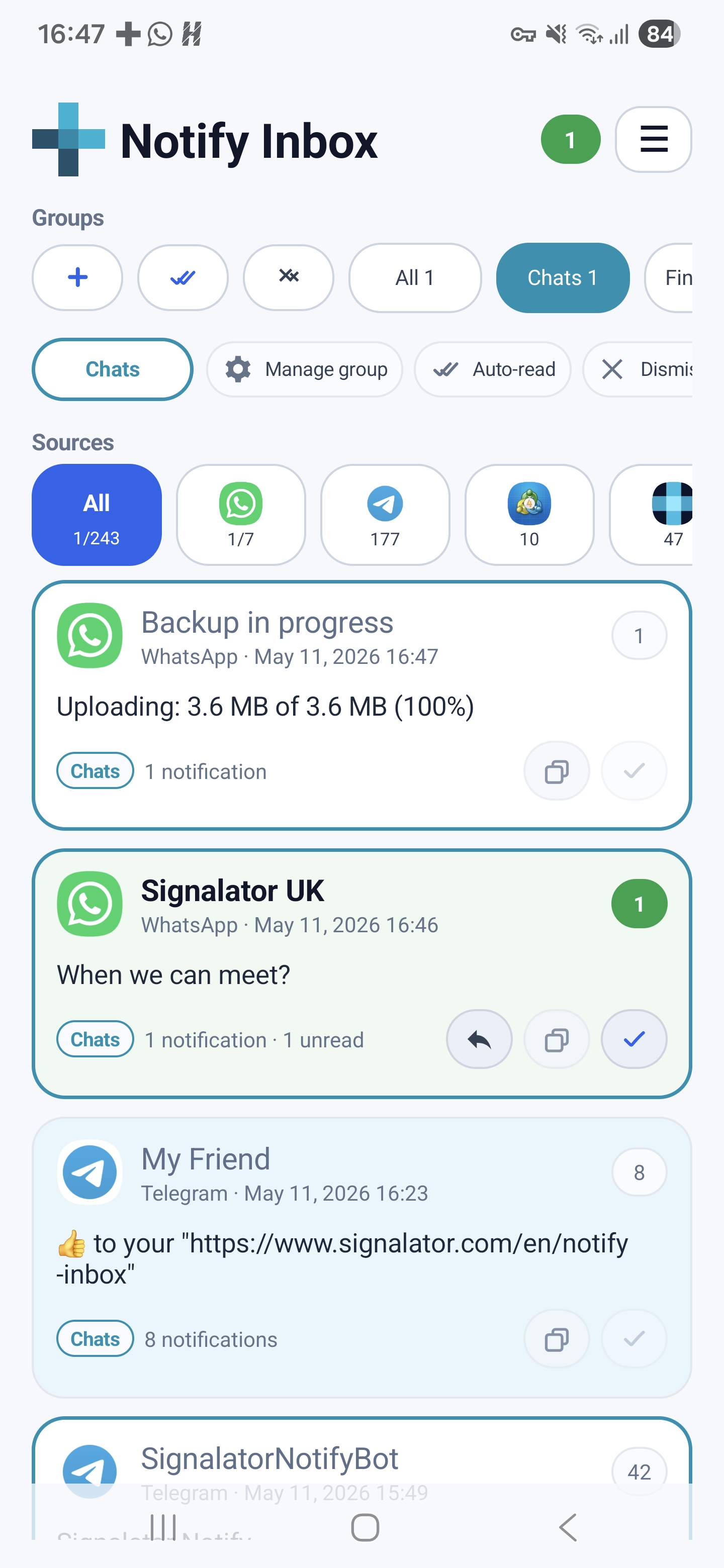
Notify Inbox Manager main inbox screenshot
What it solves

Different apps. Different notification styles. One organised view.

Every app presents notifications differently. Notify Inbox Manager gives you one place to collect them, group them, search them, and make them visually easier to work with.

All-in-one

Messengers, SMS, email, and app alerts together

Collect notification previews from popular chat apps, SMS, email, shopping, finance, reminders, system alerts, and other Android apps into one clean inbox where Android exposes the content.

WhatsApp Telegram Messenger WeChat Snapchat
Personalised

Make notification cards look your way

Use groups, sources, branches, colour presets, compact or detailed layouts, text size, and card styling so your inbox feels consistent.

Less noise

Auto-read and dismiss low-priority noise

Reduce interruption from noisy sources or branches while still keeping useful captured history inside Notify Inbox.

Before Android shade filled with noise After Cleaner shade + saved inbox history
Messenger friendly

Notification previews can stay in your local history

When Android exposes a notification preview, Notify Inbox can keep that captured preview locally so you can review recent notification history later.

Works only with notification content Android makes available.
Quick actions

Reply, copy, read, dismiss

Use available Android notification actions directly from one place: quick reply, mark read, copy text, open the source app, or dismiss active alerts.

ReplyCopyRead
Layered style

Style groups, sources, and branches differently

Give all messenger notifications one look, a specific app another look, and an important branch or chat its own name, colour, and card style.

Group Messengers Source Telegram Branch Signalator UK
Daily controls

Small controls that make the inbox feel personal.

Notify Inbox is built for daily scanning, not only storage. The details below help you make the same notification stream easier to read, search, and manage.

Font size control

Make notification text smaller or larger for easier scanning.

Card appearance styles

Choose compact, detailed, or fuller cards depending on how much you want to see.

Custom sorting

Sort notifications the way you prefer and keep important sources easier to review.

Very fast daily use

Open Notify Inbox quickly and scan what happened without jumping between apps.

Dark and light themes

Use the app comfortably during the day or at night.

Multiple languages

Use the interface in your language while captured notification text stays as received.

ChatsBranch by sender, chat, app, or notification title
Grouped
Custom styleColours, density, text size, icons, groups, sources
Personal
Noise rulesAuto-read and auto-dismiss for sources or branches
Plus
Your notification layer

Keep the original apps. Manage their notifications your way.

Notify Inbox Manager does not replace Telegram, WhatsApp, SMS, email, banking apps, shopping apps, or system tools. It adds a cleaner notification layer above them: one place to read, search, style, organise, and act.

  • Use app/source, sender/chat, title, or automatic grouping.
  • Choose compact or detailed cards depending on how much you want to see.
  • Apply custom colours and styles for important sources or branches.
  • Keep core notification history local by default with no account required.
App screenshots

See how Notify Inbox looks in daily use.

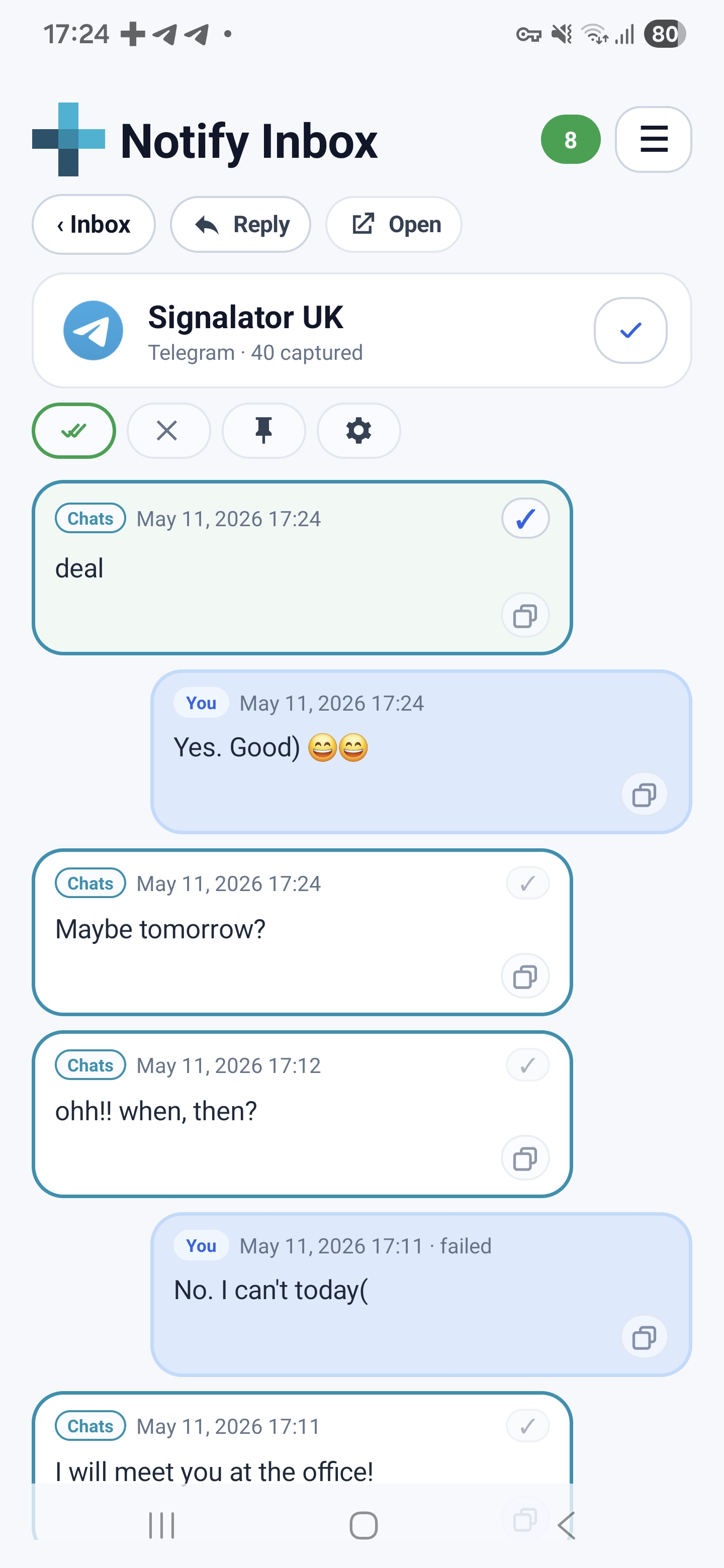
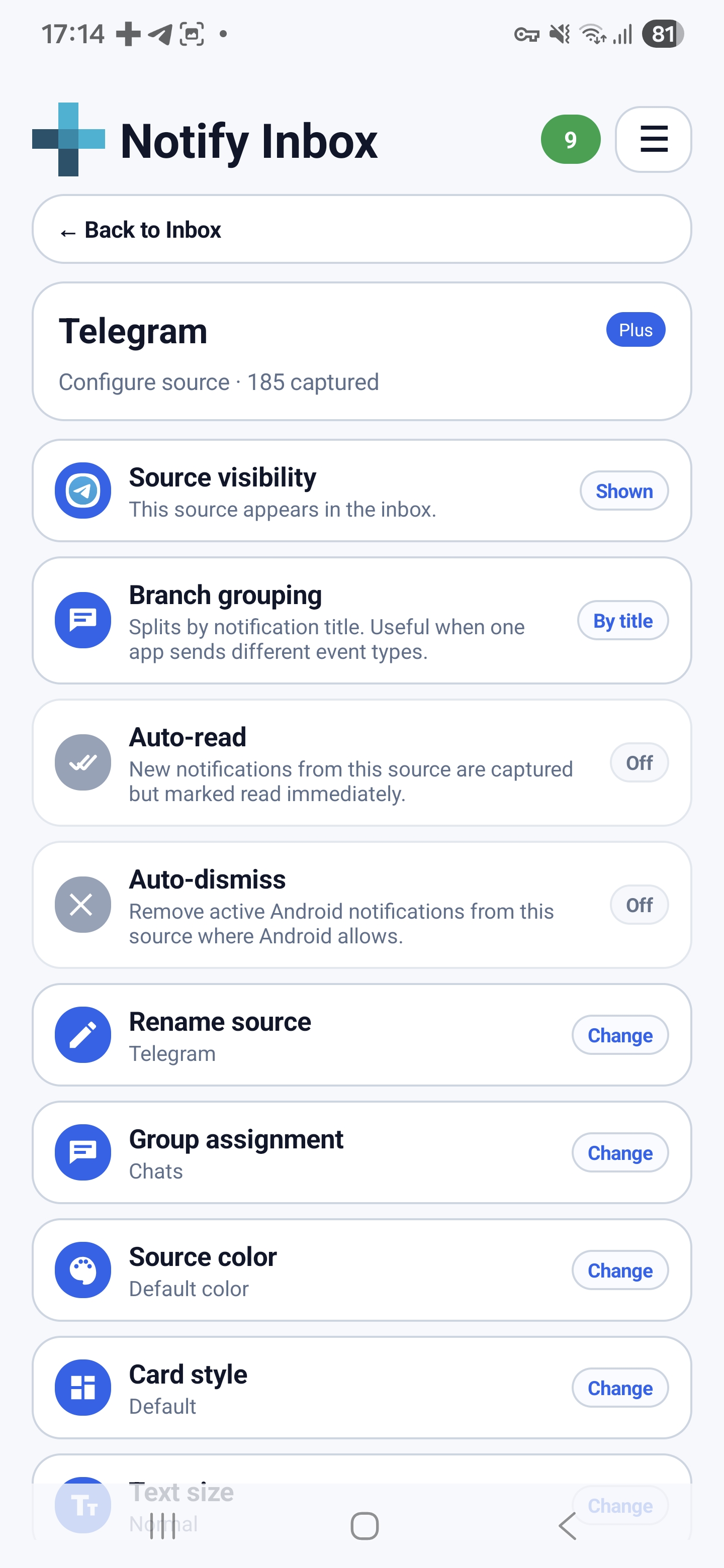
Browse your main inbox, open grouped notification threads, and manage source-level controls from one clean Android interface.

Notify Inbox main inbox with groups and sources
Main inbox with groups and sources
Notify Inbox branch detail with grouped notifications and quick actions
Branch detail and quick actions
Notify Inbox source settings with per-source controls and automation
Per-source controls and automation
Try Notify Inbox

Install Notify Inbox and organise your Android notifications your way.

Start with the free core inbox, then review all features and controls when you are ready to customise sources, branches, and automation more deeply.

QR code to install Notify Inbox Manager from Google Play Scan with Android phone
About Notify Inbox Manager

One personalised home for your Android notifications.

Notify Inbox Manager is an Android notification manager, searchable inbox, and local notification history app that turns your Android notifications into one clean, personalised place. It is designed for people who receive many messages, alerts, reminders, previews, updates, codes, and app notifications during the day and want a better way to manage them.

Instead of treating notifications as short-lived pop-ups, Notify Inbox gives them a proper home. You can collect recent notifications in one place, search them, group them by source or branch, keep unread items visible, copy useful text, dismiss noise, and open the original app when needed.

Notify Inbox can help organise chat previews, SMS alerts, email previews, shopping updates, finance notifications, delivery updates, reminders, system alerts, social notifications, and other Android app notifications where Android makes the notification content available.

The app also lets you customise the way your notification inbox looks and feels. With groups, sources, branches, unread counts, colours, compact or detailed cards, light and dark themes, and multiple language options, Notify Inbox can become your own personalised home for the daily stream of incoming information.

Notify Inbox does not replace Telegram, WhatsApp, SMS, email, banking apps, shopping apps, or other original apps. It works as a local-first notification management layer above them. It can only capture notification content that Android makes available to notification access services, so full chat history, protected content, images, videos, attachments, and app-only content may still need to be opened in the original app.

Android notification manager Search notifications Local notification history Group app notifications Unread first inbox