
Local MT4 / MT5 trade copier
Local MT4/MT5 Trade Copier
Copy trades locally from one or multiple MT4/MT5 Master terminals to one or multiple MT4/MT5 Receiver accounts on the same Windows PC or VPS, with fast execution and deep receiver-side control.
As low as 0.1s in optimized local/VPS setups
One-to-many and grouped receiver layouts
Mapping, lot sizing, filters and safety checks
MT4 MasterManual / EA / panel trades
MT5 MasterManual / EA / panel trades
Master groupSeparate BridgeName
Signalator Local Bridge
Many Masters → Local Bridge → Many Receivers
All source routes feed the same local copy engine
MT4 ReceiverOwn lot/filter rules
MT5 ReceiverOwn lot/filter rules
Receiver groupMulti-account layout
MT4MT4same platform
MT4MT5cross platform
MT5MT5same platform
MT5MT4cross platform
Problem solved
One local copier for complex MT4/MT5 terminal layouts
Most copier setups become messy when you need more than one Master, more than one Receiver, different brokers, different symbol names or different lot rules. Local MetaTrader Copier is built for this operational problem.
Why it sells
Fast execution plus deep copier control
The value is not only copying a trade. It is copying the right trade, to the right receiver, with the right lot size, symbol, direction, protection and operational visibility.
Almost instant local copy
Same-machine/VPS copy flow avoids an external cloud relay in local mode. Optimized local setups can copy with timing as low as 0.1s.
Advanced lot sizing
Use fixed lots, multipliers, proportional sizing and receiver-side min/max limits so each account can copy with its own exposure model.
Auto symbol map
Handle broker suffixes, prefixes and naming differences with automatic mapping, accepted mappings and manual overrides.
Deep copy filters
Control allowed master accounts, symbols, magic numbers, comments, side filters, reverse copy and receiver-specific rules.
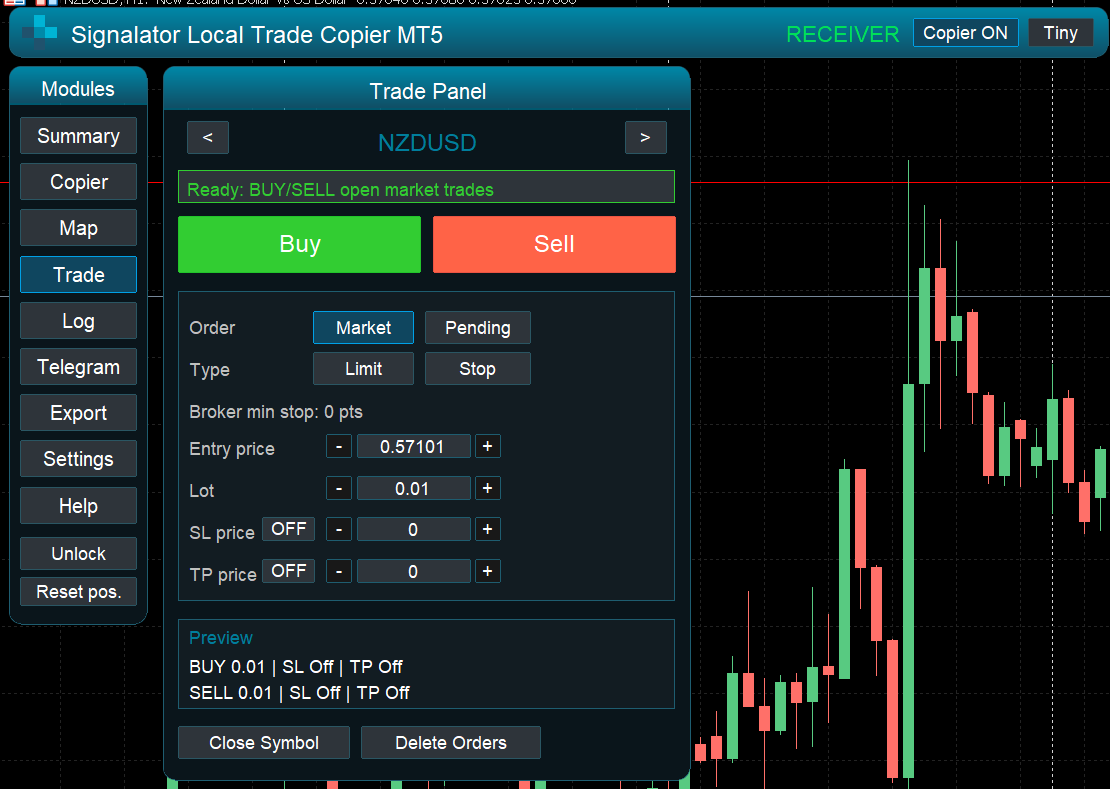
Visual Trade Panel
Open, manage and monitor trades from the copier interface instead of relying only on raw EA input parameters.
Telegram live alerts
Send key copier events, copied trades, skipped actions, warnings and errors to Telegram when configured for the terminal workflow.
Trade export
Export activity and keep operational records for review, reporting, debugging and support workflows.
Help and live logs
Use built-in help, runtime state, copy results and log monitoring to understand why a receiver copied or skipped a trade.
Receiver-side control
Customize every receiver instead of forcing one global copy rule
Receiver accounts often have different brokers, balances, account types, instruments and allowed risk. Local Copier is designed so receiver terminals can decide what to copy and how to copy it.
Investor-password ready: source-side monitoring can be used in read-only workflows where applicable. Receiver accounts still require trading permission because they execute copied trades.
Copy lifecycle
Market orders, pending orders, SL/TP synchronization, close synchronization, partial close and reverse-copy workflows.
Account and source rules
Allowed master accounts, bridge groups, same-account protection and copied-trade loop protection.
Symbol and lot rules
Auto/manual mapping, suffix/prefix handling, fixed lots, lot multipliers, proportional sizing and receiver limits.
Operational rules
Skipped action reasons, rejected trade diagnostics, logs, export records, Telegram alerts and panel state.
Advanced panel design
A working copier dashboard, not just an input list
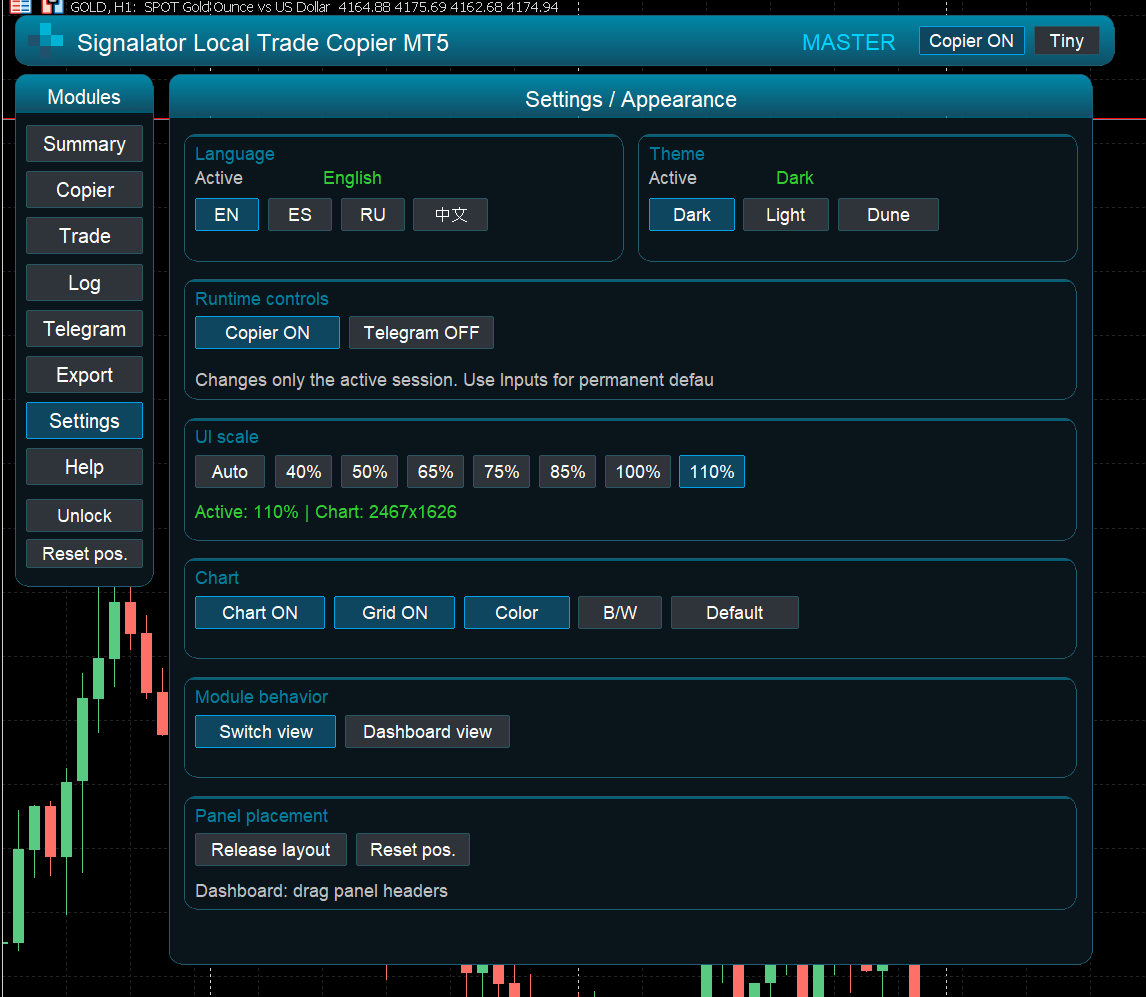
The panel is part of the product. It keeps the user close to copier state, receiver behavior, trade actions, mapping, export, alerts, help and logs while the EA is running.
SummaryCopierMapTrade PanelTelegramExportSettingsHelpLogsTiny / Full mode
SummaryCopierMapTradeLog
BridgeNameMainBridge
MasterAllowed
Symbol mapXAUUSD → GOLD
Lot modeMultiplier 0.50
Latest logCopied BUY #12847 to receiver account · SL/TP synchronized
Panel modules
One panel preview at a time
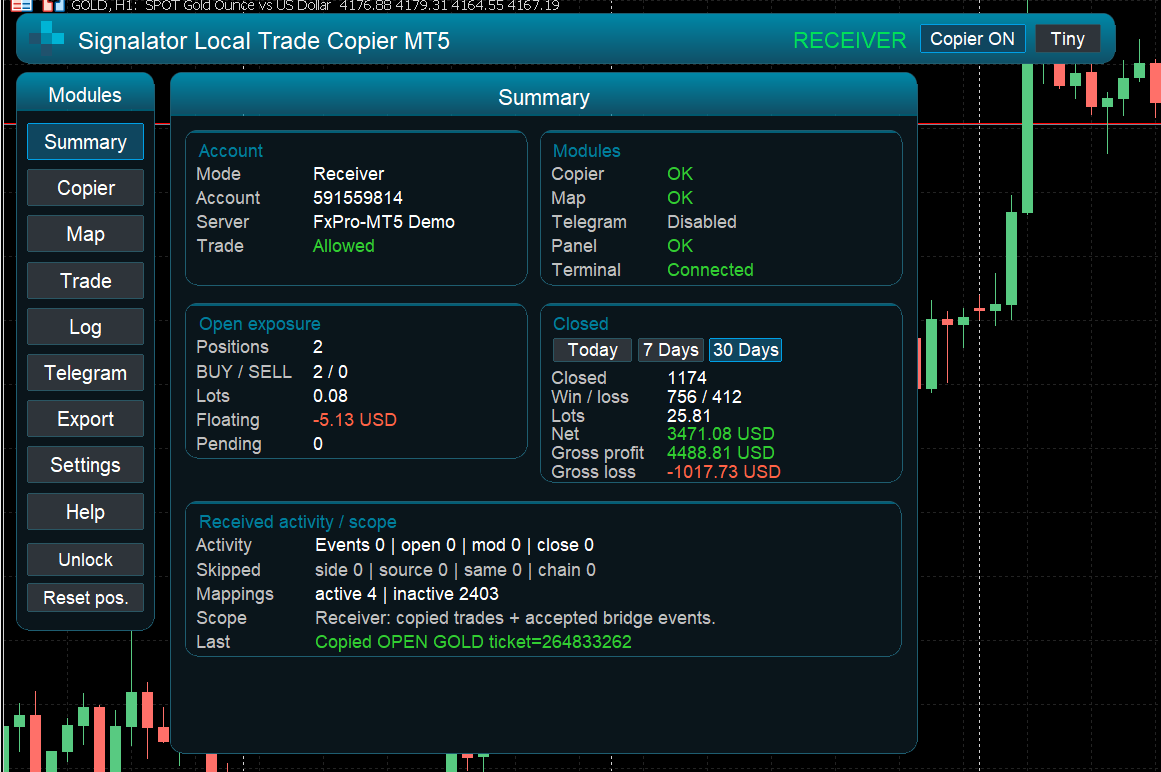
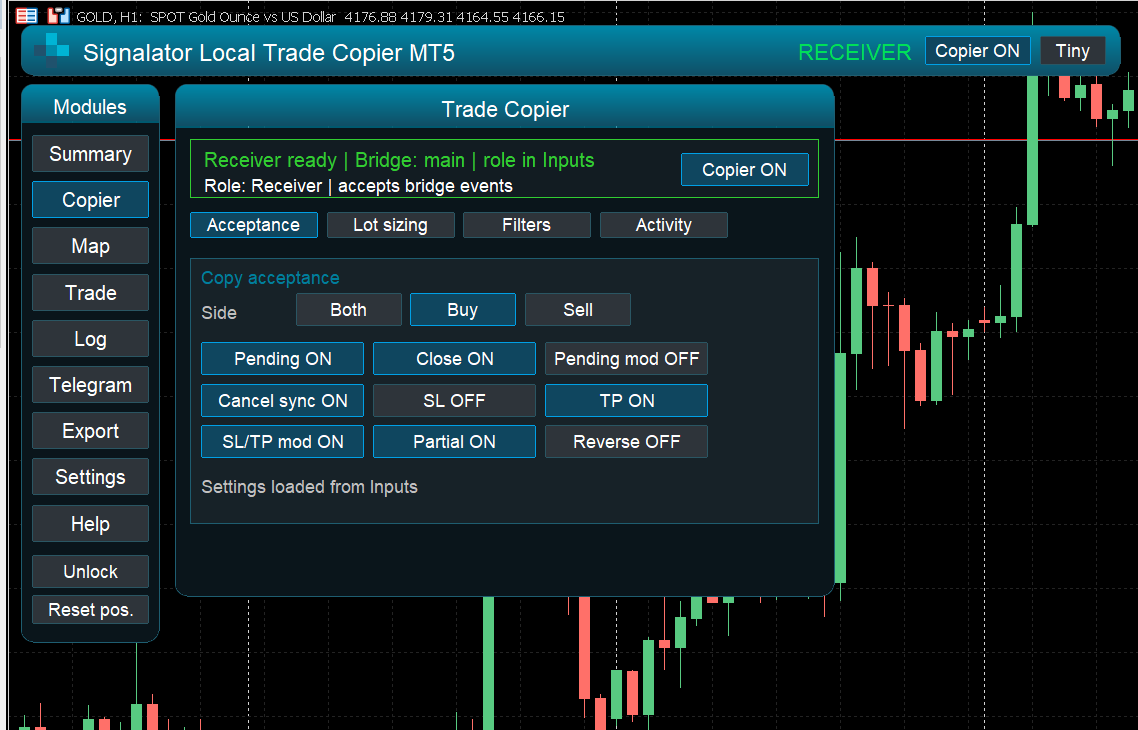
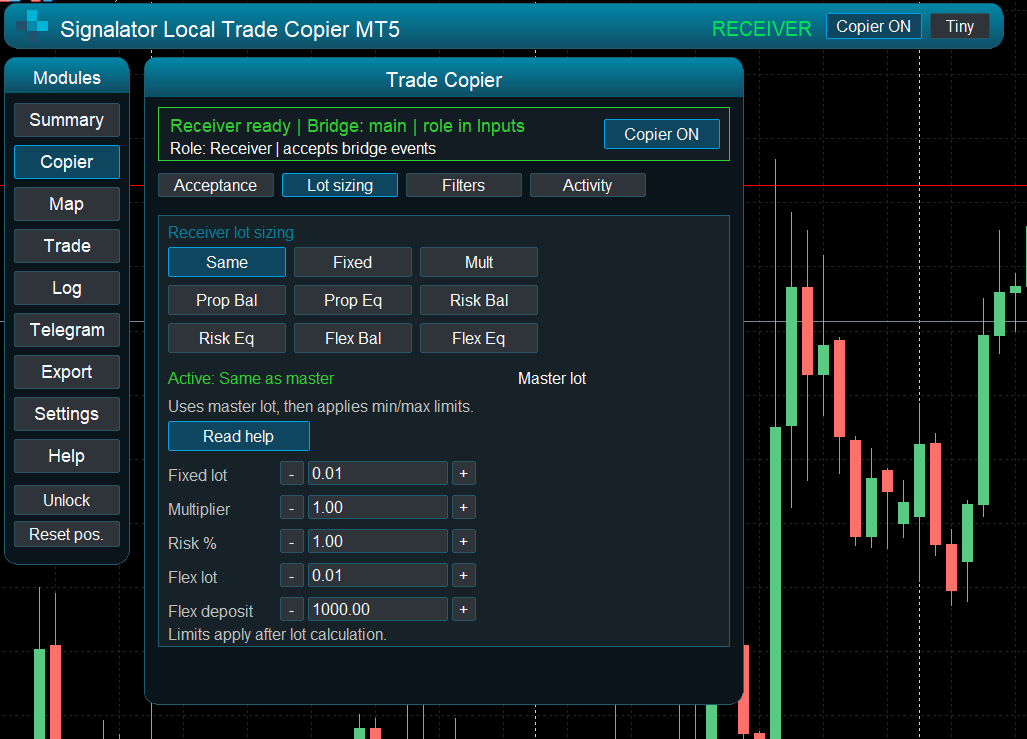
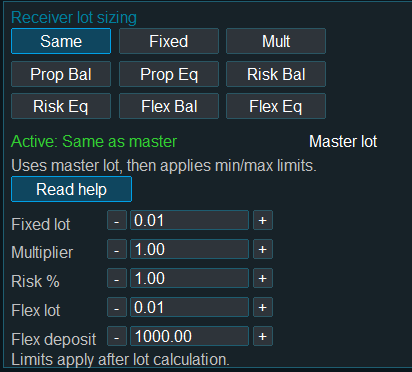
Use the arrows to preview the main working areas: summary status, copier acceptance rules, lot sizing, receiver sizing, settings and the Trade Panel.
Pricing and purchase options
Choose the license path that fits your setup
Buy directly from Signalator when you want website-managed licensing without the MQL5 Market installation-count model, or use MQL5 Market when you prefer marketplace-managed licensing.
MQL5 Market option
Prefer to buy through MQL5?
The MQL5 Market version is useful when you want marketplace-managed purchase and activation. The direct Signalator website license is the better choice when you do not want to use the MQL5 Market installation-count model.
Fast start
Install, connect, test, then scale
Start with one demo Master and one demo Receiver. After the first copy test is confirmed, add more receivers, mapping rules, lot rules and bridge groups.
Install on each terminal
Add the MT4 or MT5 copier version to the terminals that will act as Master or Receiver.
Choose Master or Receiver
Set the role, BridgeName and allowed master account rules for the first controlled copy link.
Configure receiver rules
Set symbol mapping, lot sizing, side filters, SL/TP behavior, pending-order handling and alerts.
Run the first demo test
Open, modify and close a small test trade, then check the panel, log and receiver account result.
Next step
Start with the setup guide
Use the setup guide to connect the first Master and Receiver. Use the full options page when you need deeper lot sizing, filters, mapping, alerts and export configuration.